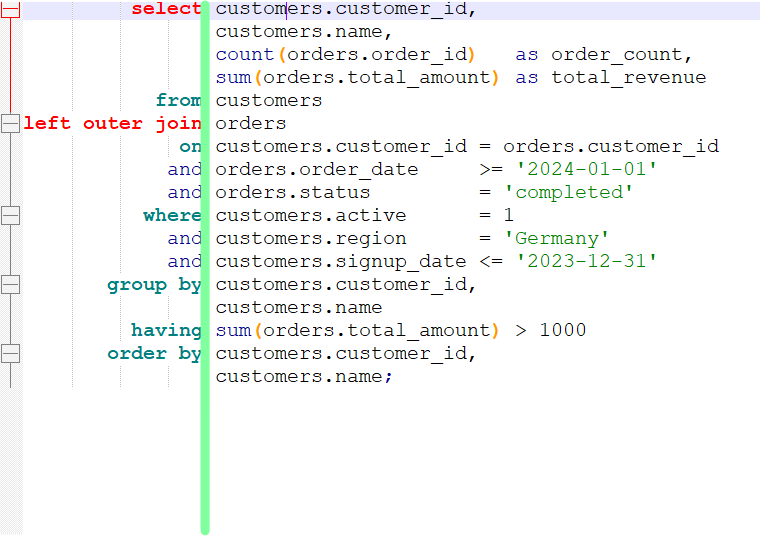
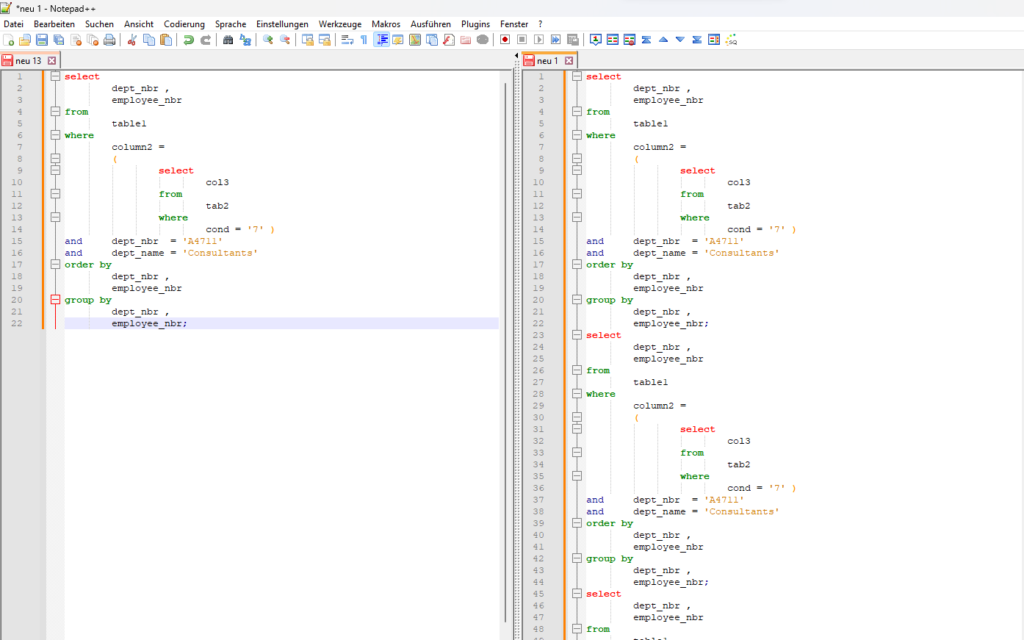
„Axis formatting“ in the context of SQL statements refers to organizing the code to enhance readability by aligning related elements (often on a vertical axis). This is achieved by arranging SQL keywords, operators, or expressions into columns or consistent positions in the code. This formatting style makes it easier for developers to scan, understand, and debug the query structure at a glance.
Align Columns and Expressions: For readability, columns in a SELECT clause and conditions in a WHERE clause can be indented consistently without unnecessary spacing. Align SQL keywords consistently along a primary axis. be indented consistently without unnecessary spacing.
More Formattig Options for your self-defined SQL Functions available
Release 6.24.10.xx (October 2024)
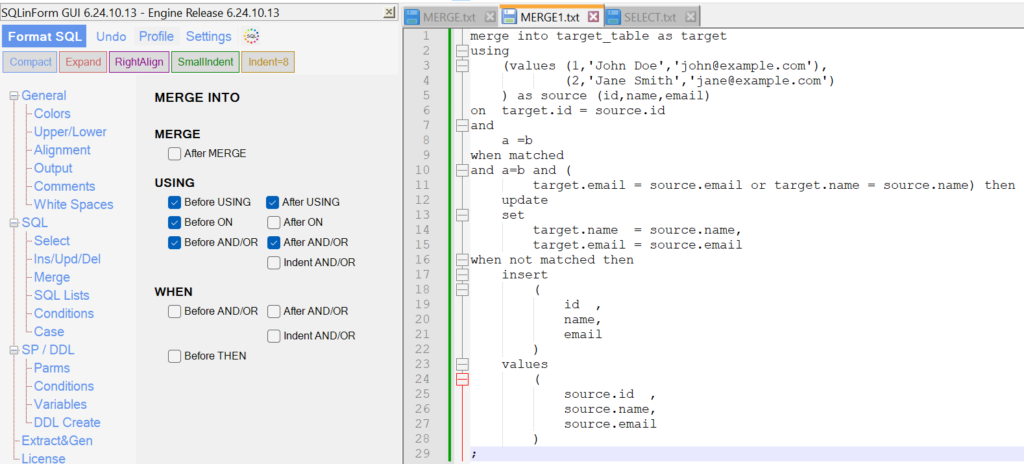
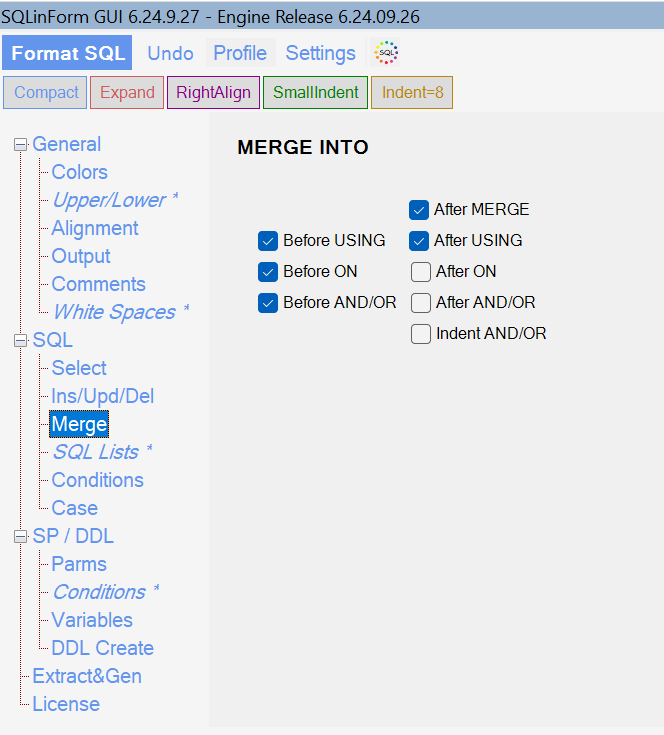
More Formattig Options for MERGE available
Release 6.24.09.xx (September 2024)
Formattig Options for MERGE available
Release 6.24.07.xx (July 2024)
Bug Fixes and Performance Improvements
The new Release of July 2024 got a few bug fixes and performance improvements.
Release 6.24.05.xx (May 2024)
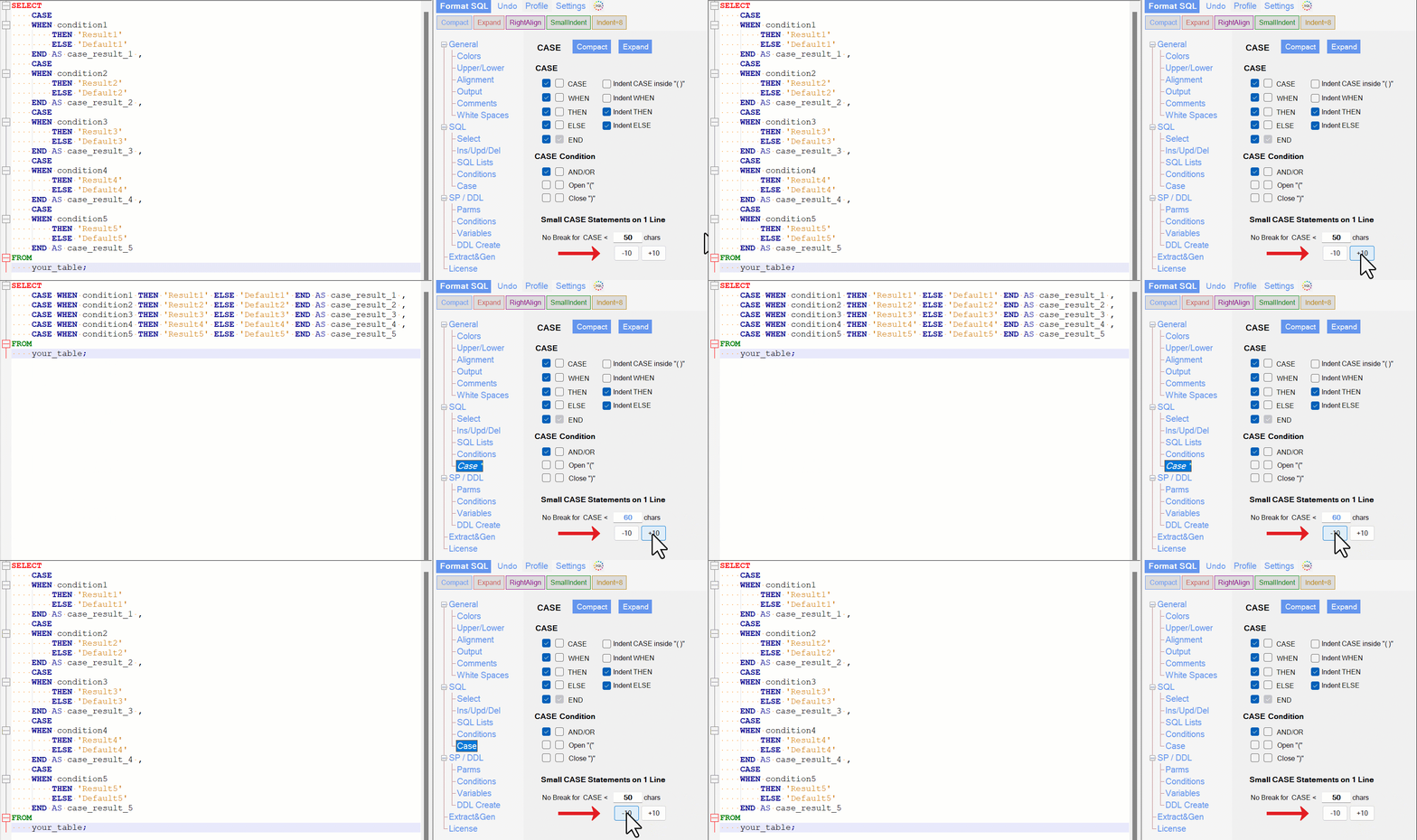
Format small CASE Statements on one line
Format your small CASE Statements dynamically on one line. Define yourself the max size of a small CASE Statement
Release 6.24.02.xx (February 2024)
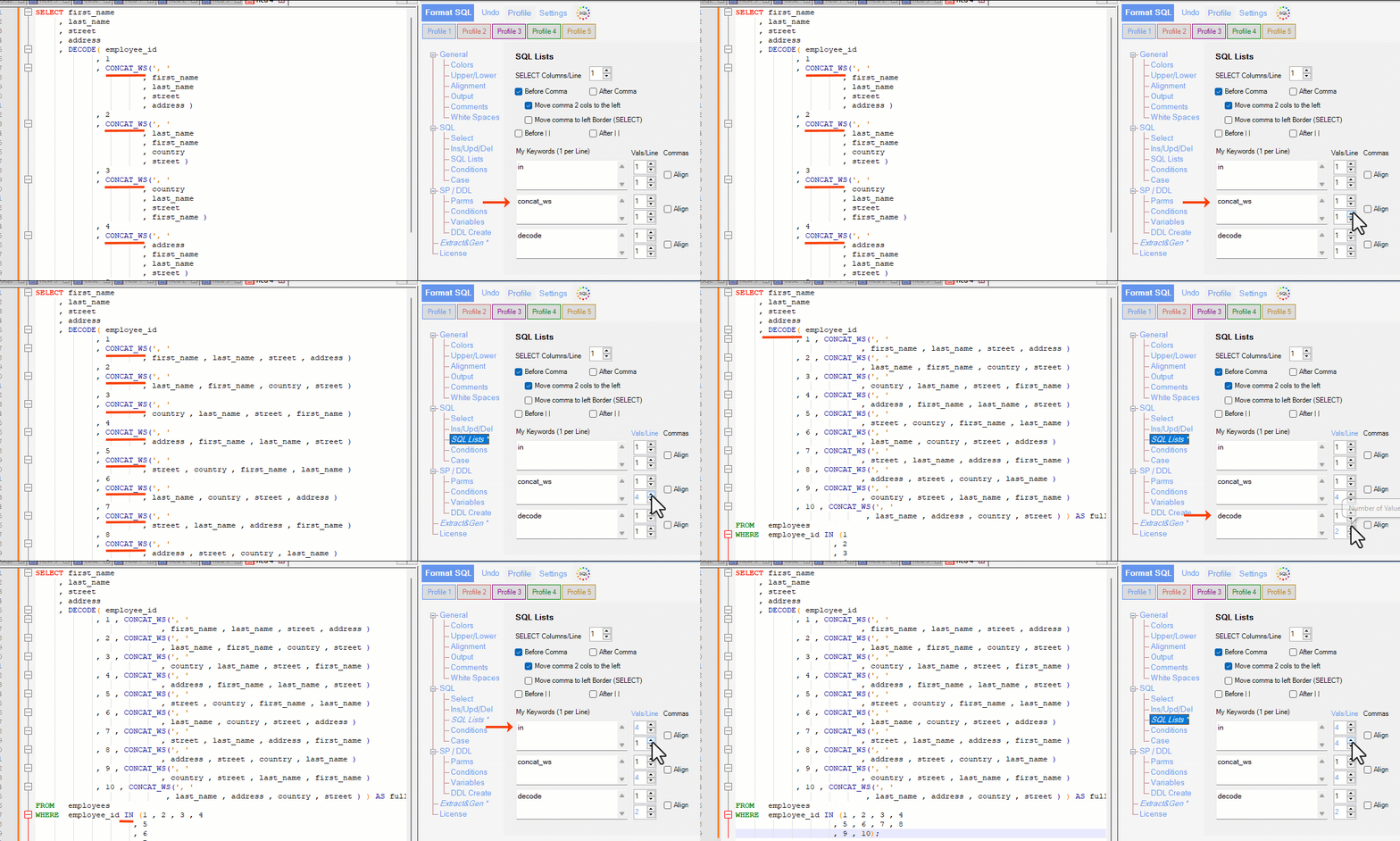
Define your own SQL Function Keywords
You can now define up to 3 different SQL Function keyword groups and define for each of them how many values you want in the first line and in the subsequent lines.
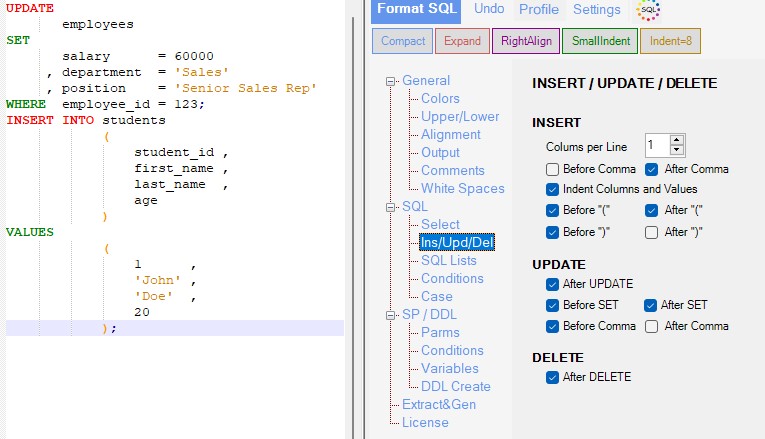
New Options for INSERT / UPDATE
Release 6.24.01.xx (January 2024)
This new Release has many new features. Please finde below the most important new features.
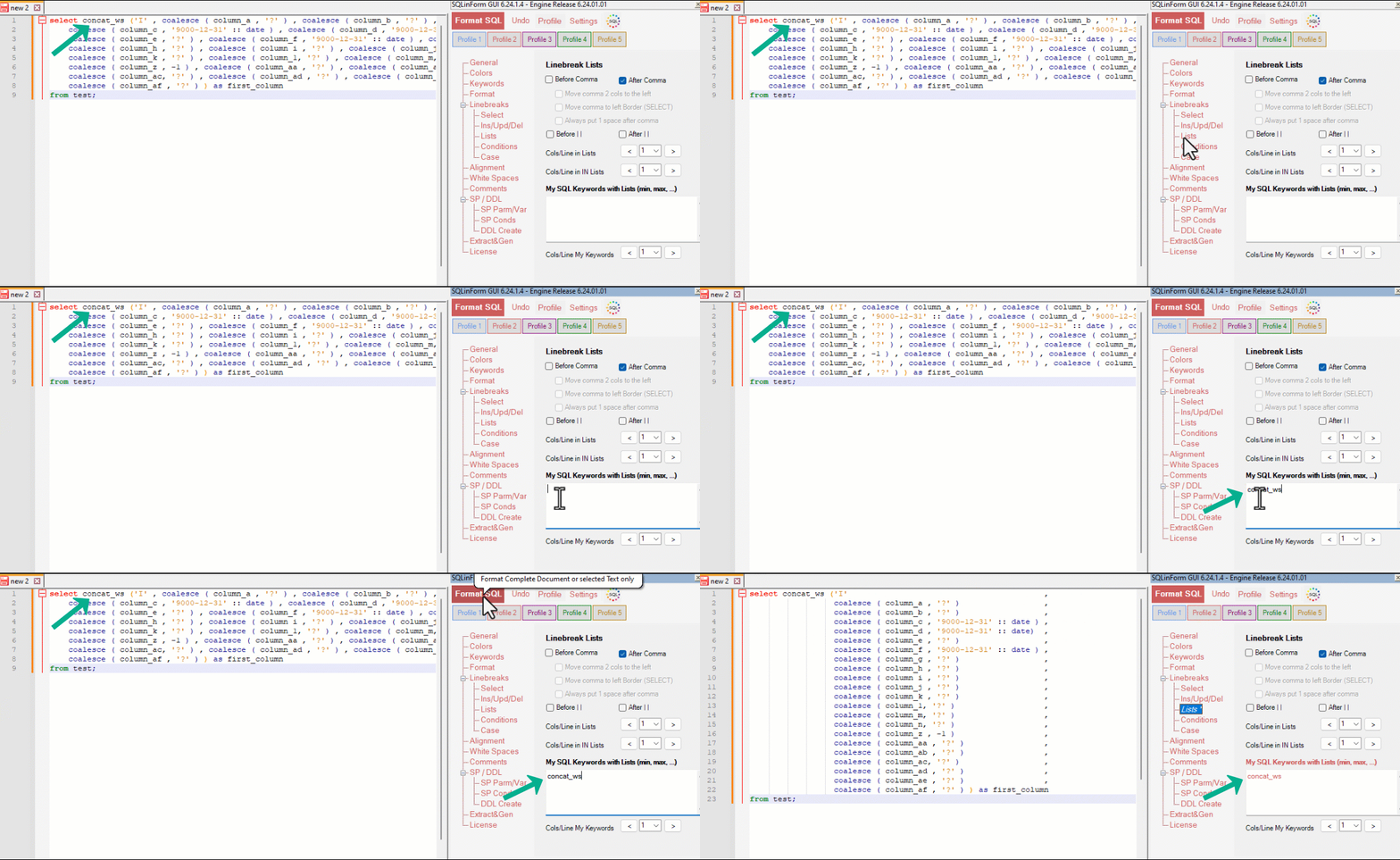
1. Define your own SQL Function Keywords
Define your own SQL Function Keywords which will generate linebreaks in their parm list. Define the number of cols/parms you want in one line
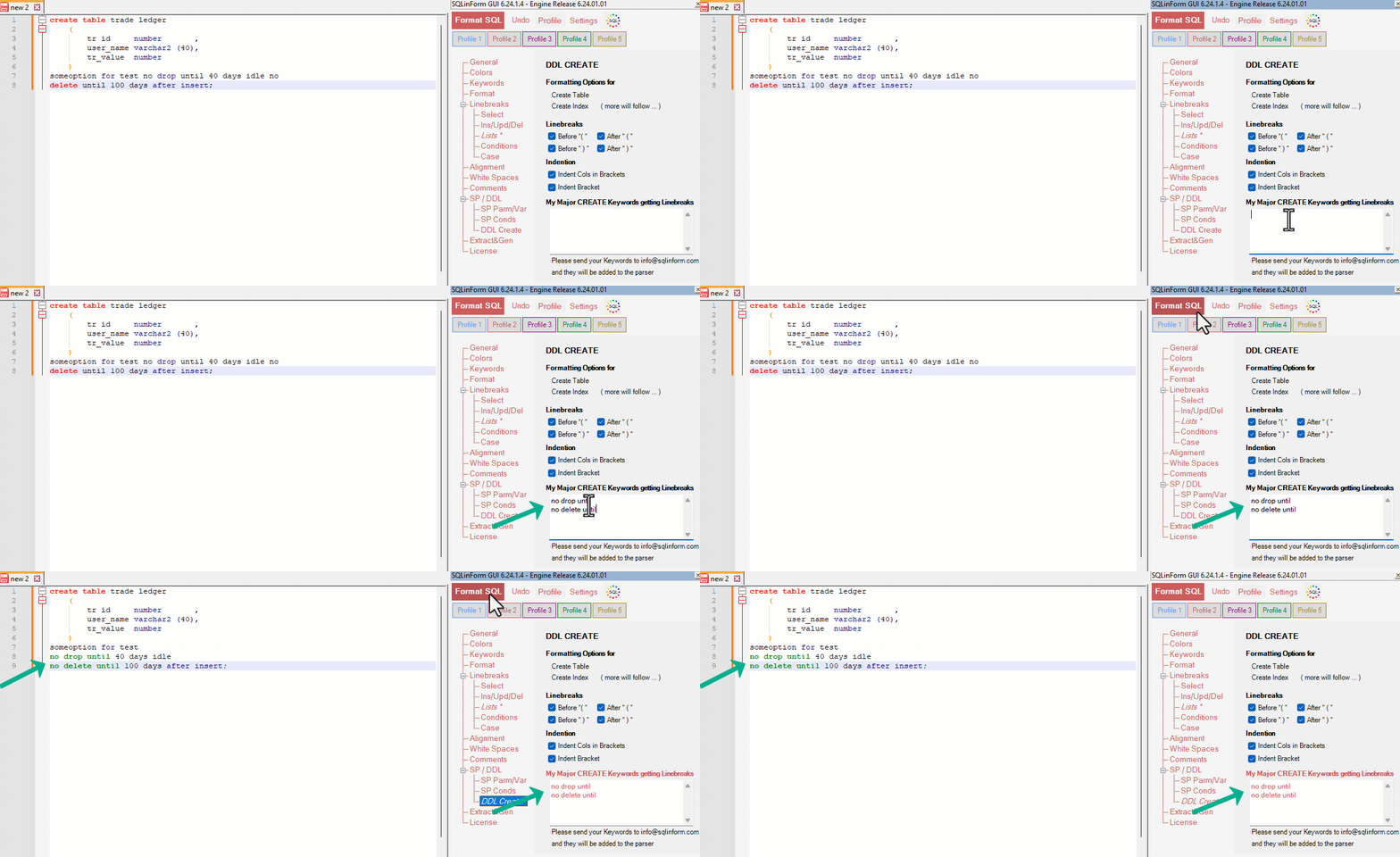
2. Define your own DDL Keywords
For the DDL Statements CREATE TABLE and CREATE INDEX you can define your own keywords-
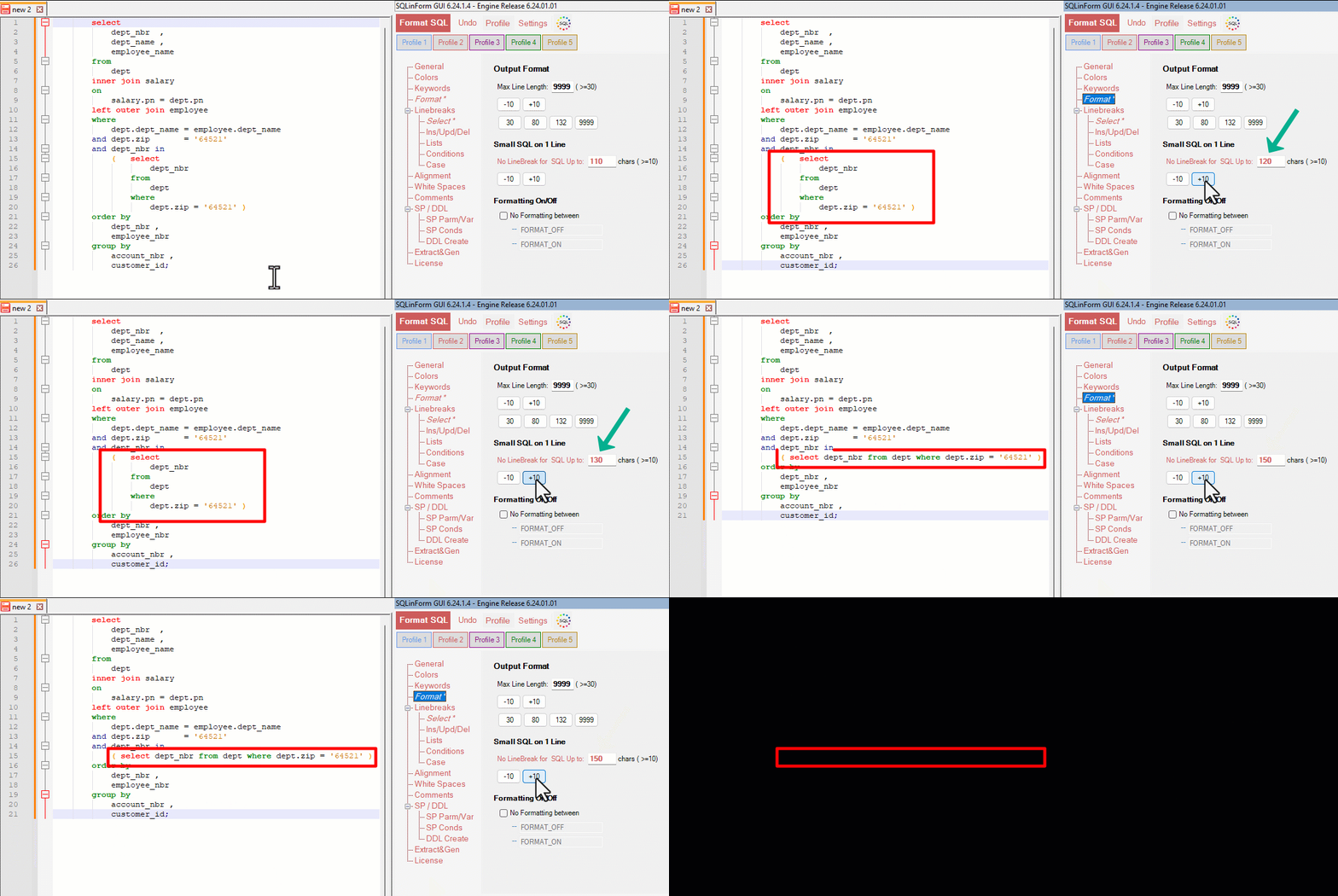
3. Keep small SQL small (No Linebreaks)
With this new option you can avoid linebreaks for small SQL up to xx chars. Define yourself the max number of chars for small SQL
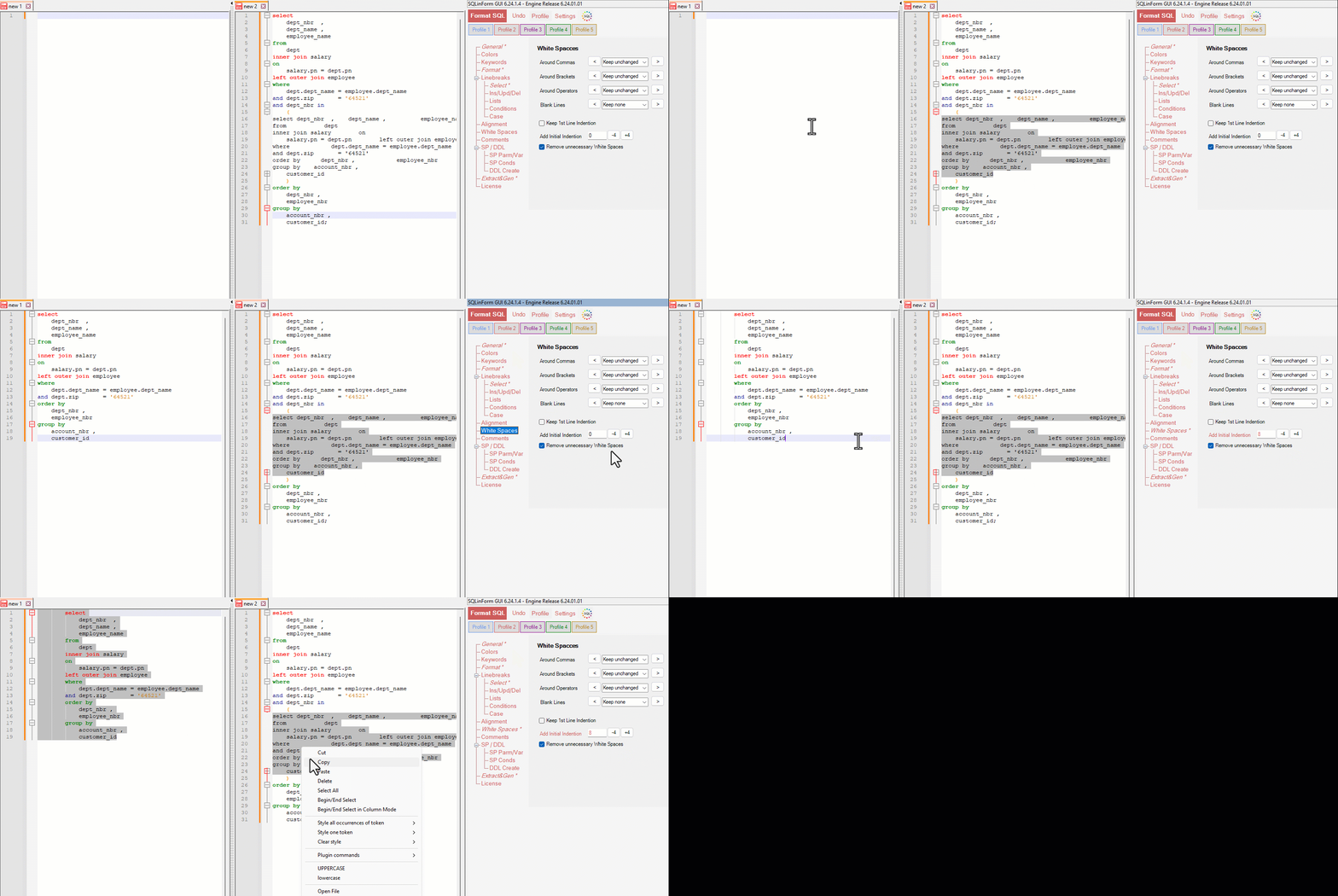
4. Shift the SQL by an Initial Indention Value.
Shift the complete SQL statement. This is helpful when you want to paste your formatted SQL snippet in existing code.
5. Decimal Point is Comma
This new Option „Decimal Point is Comma“ for those Regions who use the comma as decimal point. This options avoids decimal numbers to get a linebreak
6. N++ Multi-Tab compatibility
The N++ Plugin works now fine with multi-tabs
7. Removal of "Format as you type" Feature in N++
The live formatting feature (format as you type) has been disabled. It added only very little value to the tool but required a lot of maintenance effort.
elease 6.23.03.xx (March 2023)
Better alignment of columns in Lists
The new Option „Move Comma to left Border“ can be found in the „List“ Tab